Free today
Genestack Console
Free for everyone who connects. The account, the deployer link and the Apple apps. You run the cloud, and community support is included.
Connect a deployer Genestack
Console
Powered by
Genestack
Console
Powered by 
P.Industries · Pi.FOSS open source
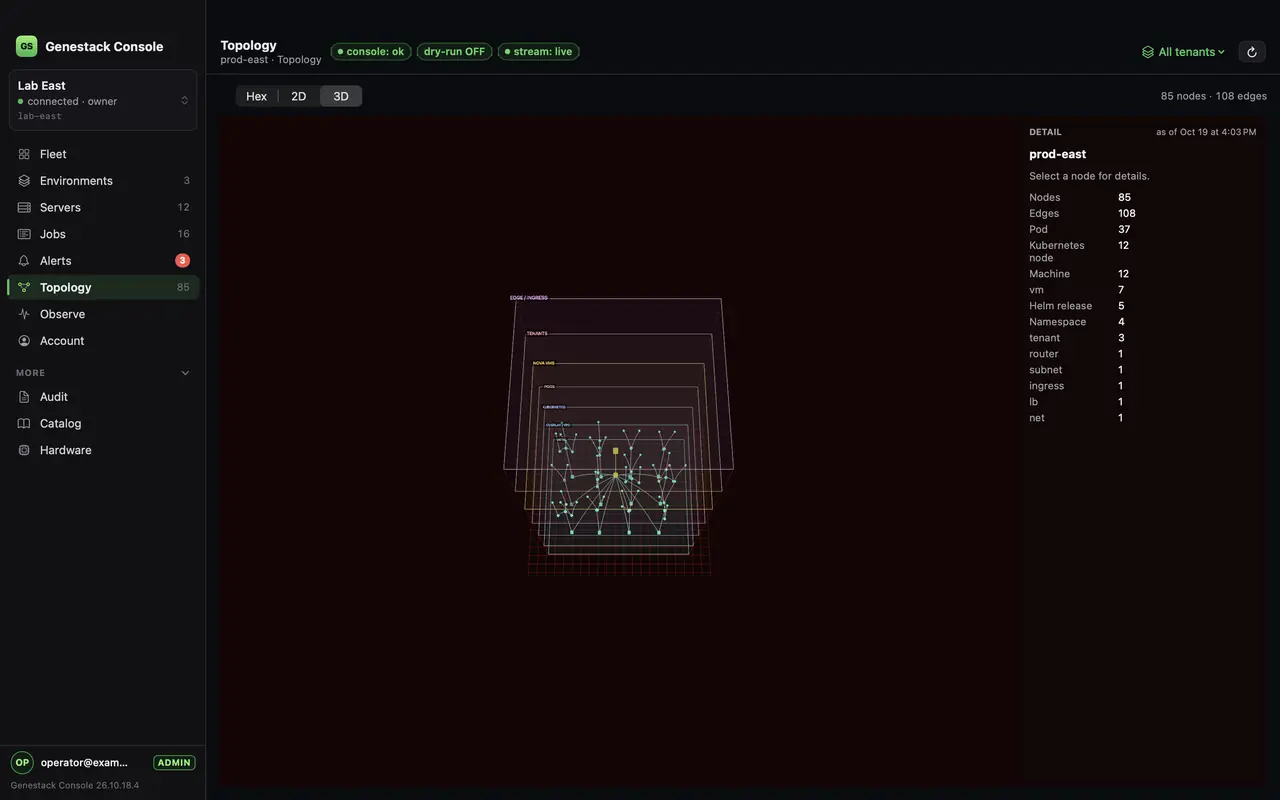
Genestack Console is open source. Install it on its own server, just outside the cloud. That server never joins the cluster. We recommend it be L2 with the machines it installs. L2 means they are on one local network, so the console can start those machines from the network. If it cannot be on that network, an agent at the site does that job, and you still run it here. One console often looks after several datacenters this way. The cloud it stands up is your machines, then Kubernetes, then OpenStack as pods, then the work. Talos is the preferred way onto that metal: the console boots the machine directly. Kubespray is the other way: the machines already have an OS, and Genestack continues the same after that.
Click a layer to go in. Empty space or Escape comes back. Drag to orbit.
DHCP, PXE, iLO talk to the boxes
Click a layer to go in. Escape or empty space comes back.
Each hex is a layer of that same cloud. Dots go green as the work finishes.
DHCP, PXE, iLO talk to the boxes
Dots on each hex are the phases. They go green as the cloud comes up.
Bare metal you provision starts with Talos, the direct boot. Kubespray adopts machines that already have an OS, and then the same Genestack. AWS, Azure, GCP, Rackspace, and OVH are another way to get the machines. One cloud. The applications stay on it. Nothing moves onto our hardware.
Connect
Use its own Linux server, outside the cluster. We recommend that
server be L2 with the machines it installs, so the console can
start them from the network. Run the command below on it, then
open http://127.0.0.1:8080/ui there. From a laptop,
ssh -L 8080:127.0.0.1:8080. If the cluster stops
answering, this machine can still power the servers and run the
install. When it cannot be L2 with a site, install the console
agent there. You still run the job from this console.
Optional later: link it at my.genestack.dev for Apple apps and support. The Console stays on the dedicated server. That account page does not run a copy of it. We do not take the hardware, and the cloud does not move to us.
curl -fsSL https://get.genestack.dev/console.sh | bash
Then http://127.0.0.1:8080/ui on that server.
Run the same command again to move to the latest binary.
Install shows how to name a published build.
The disk and the installer CD are on Releases.
A production deploy host runs that binary.
Apple Premium
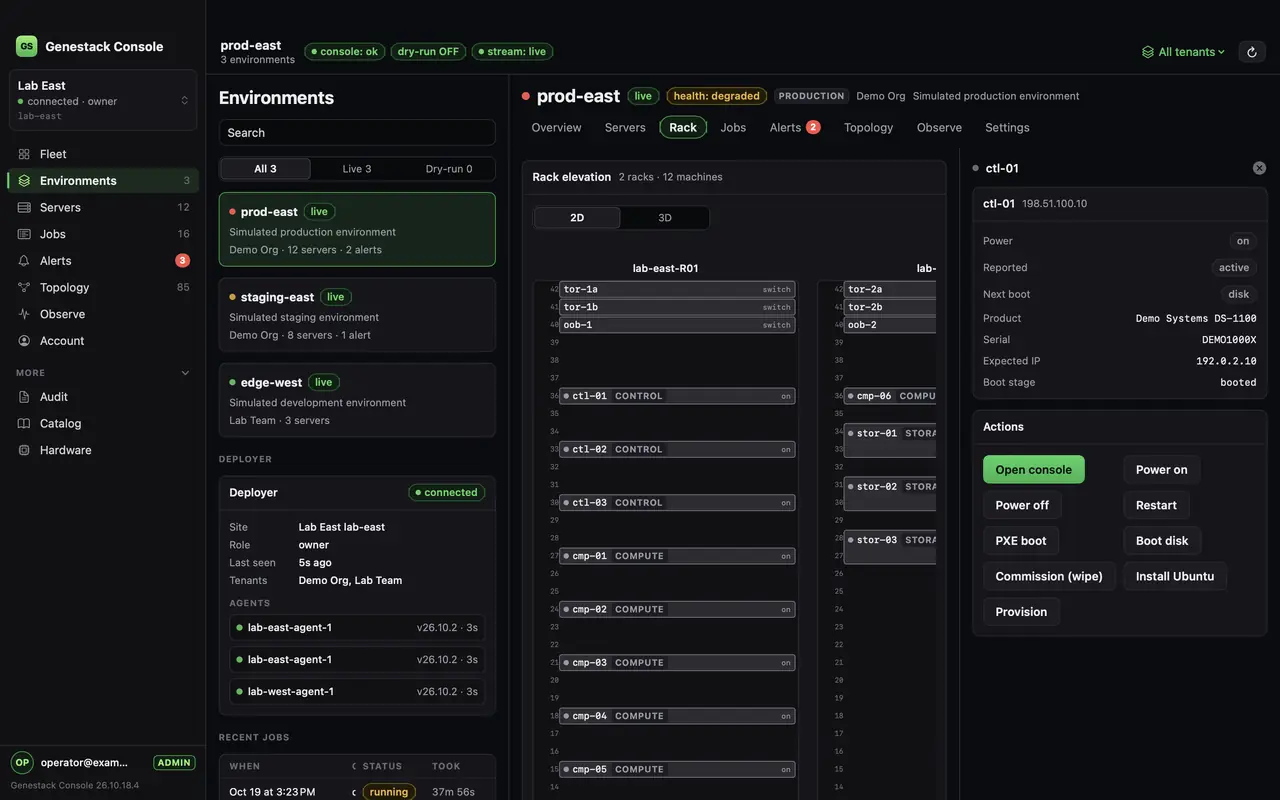
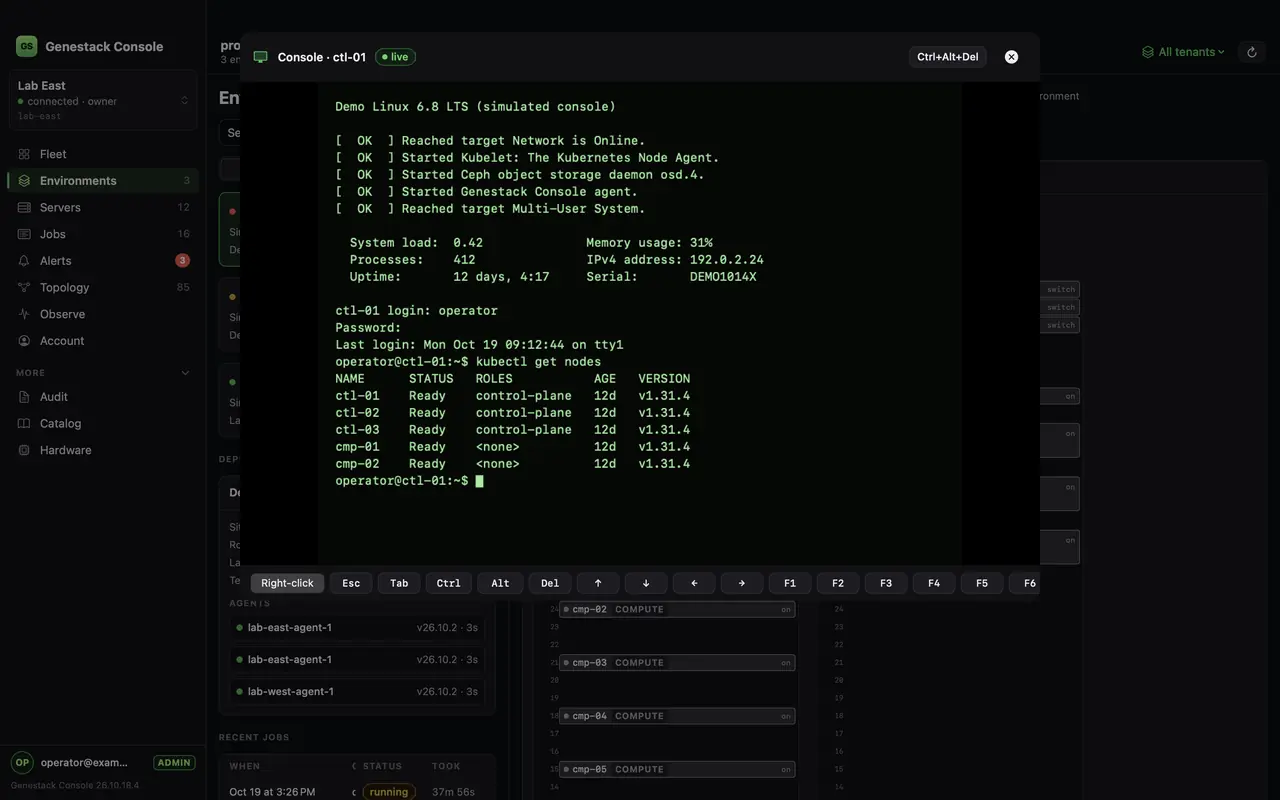
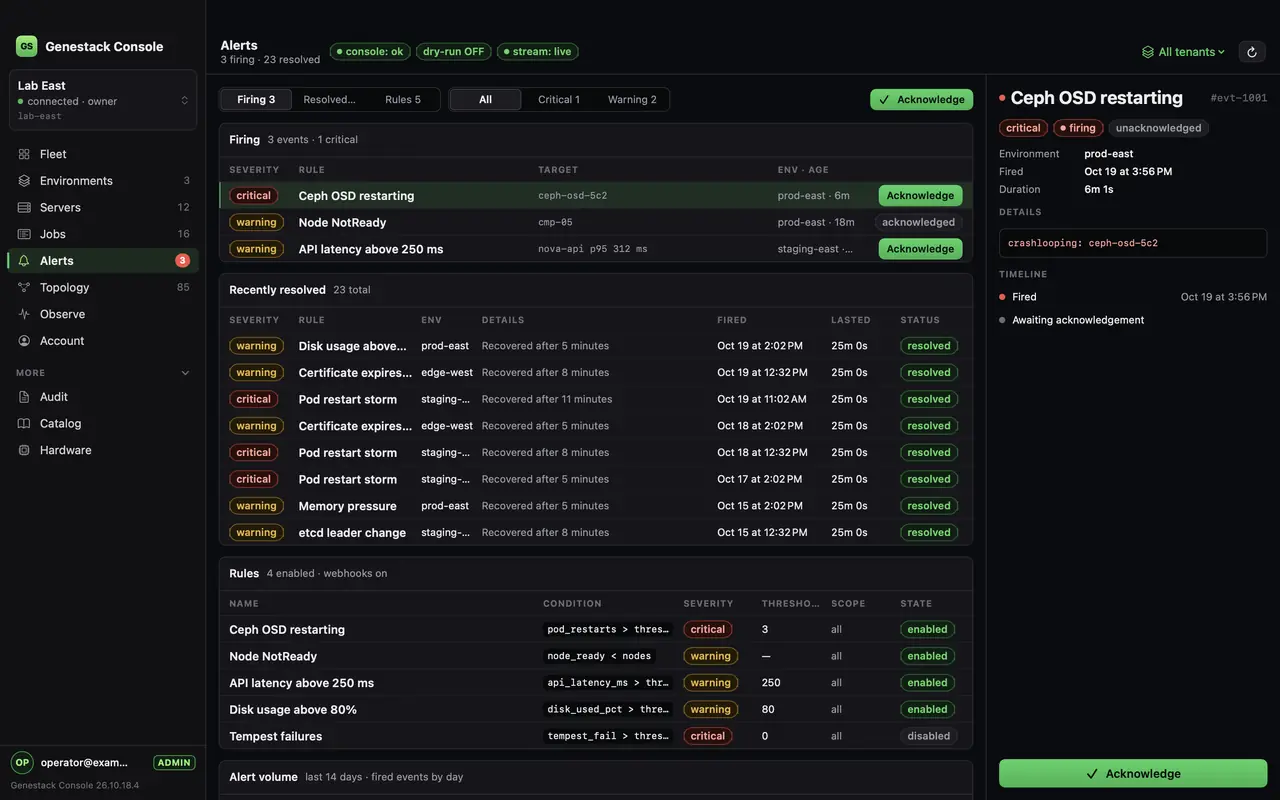
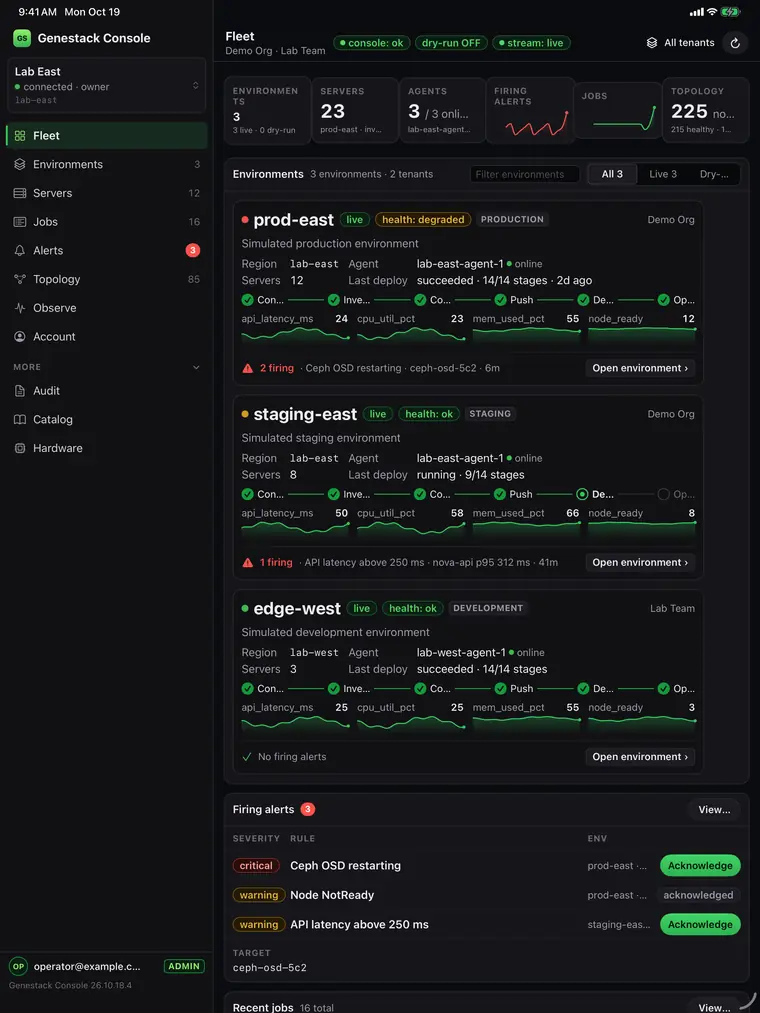
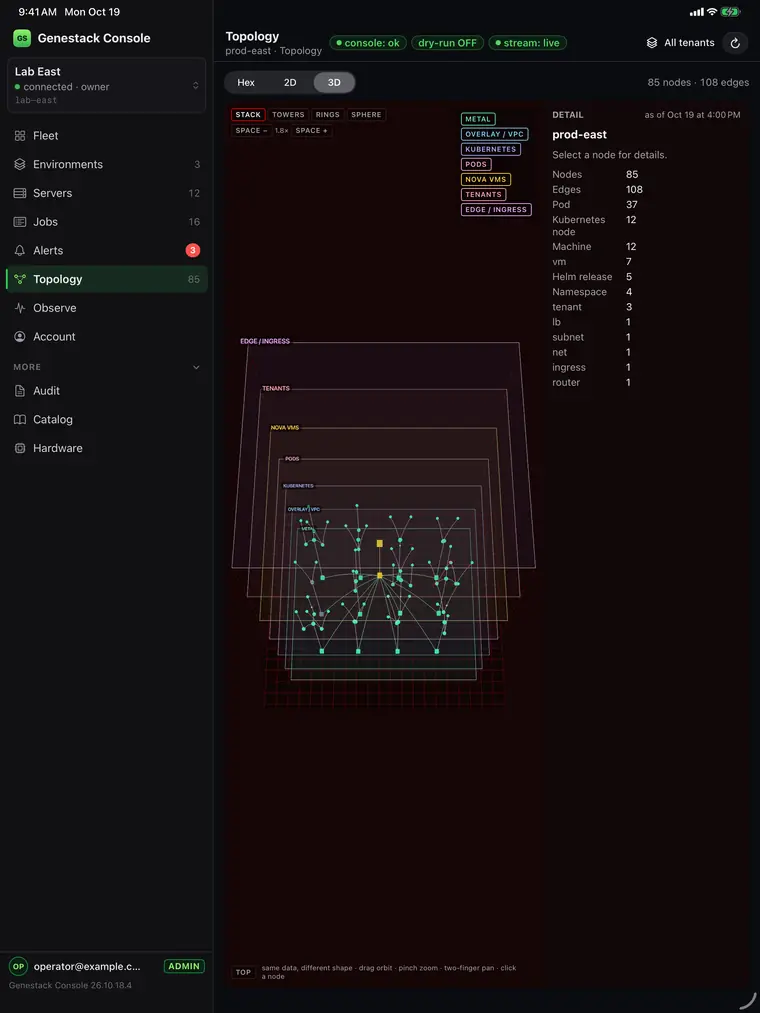
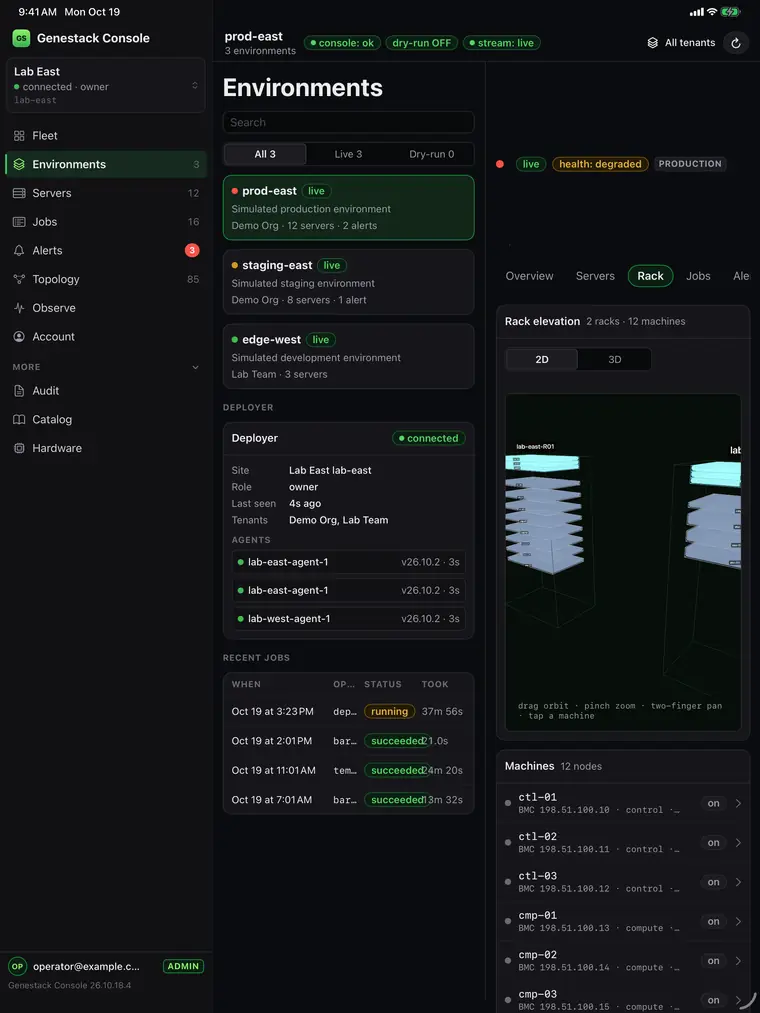
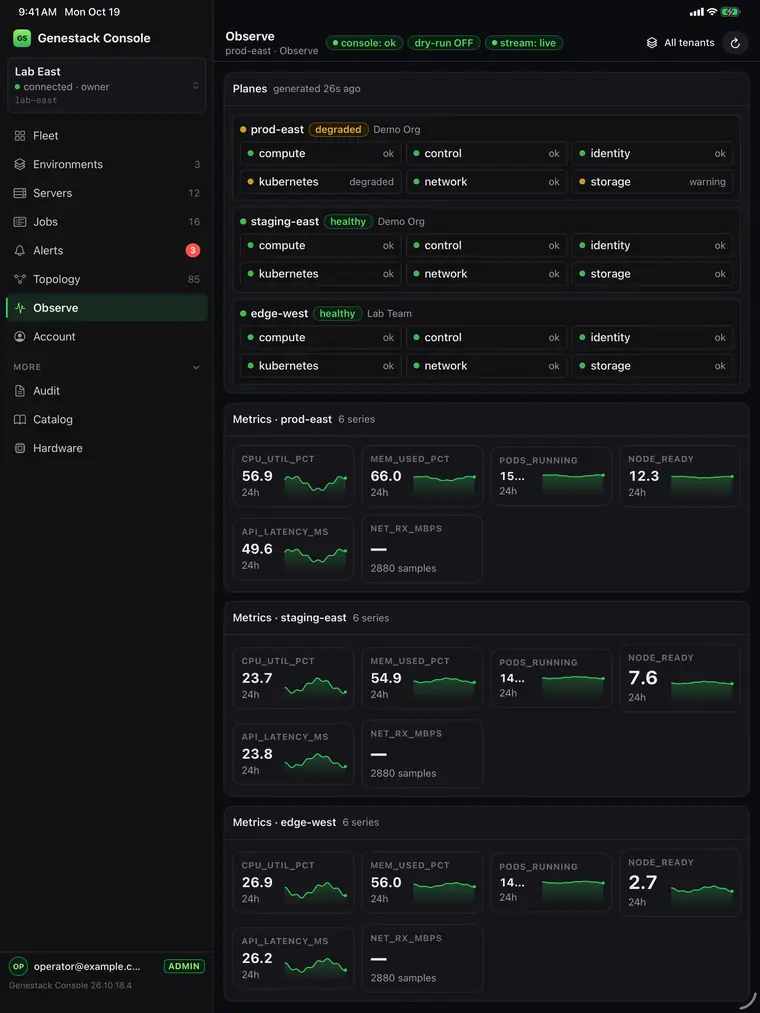
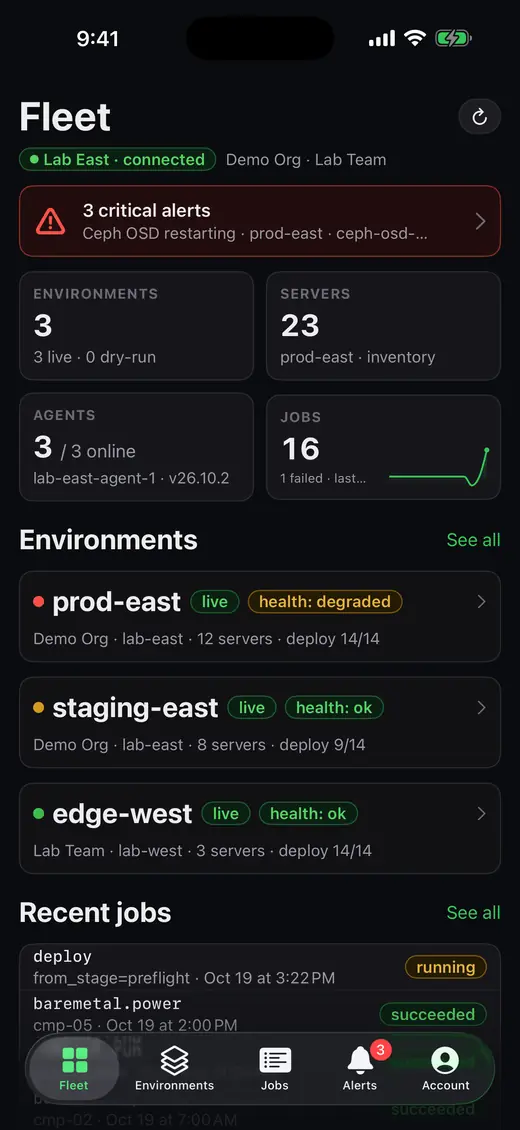
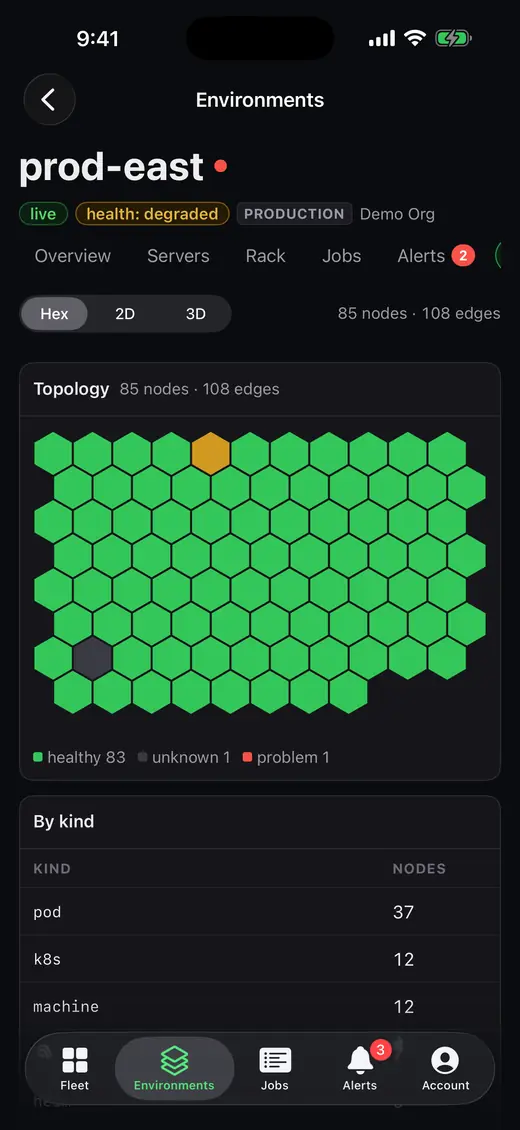
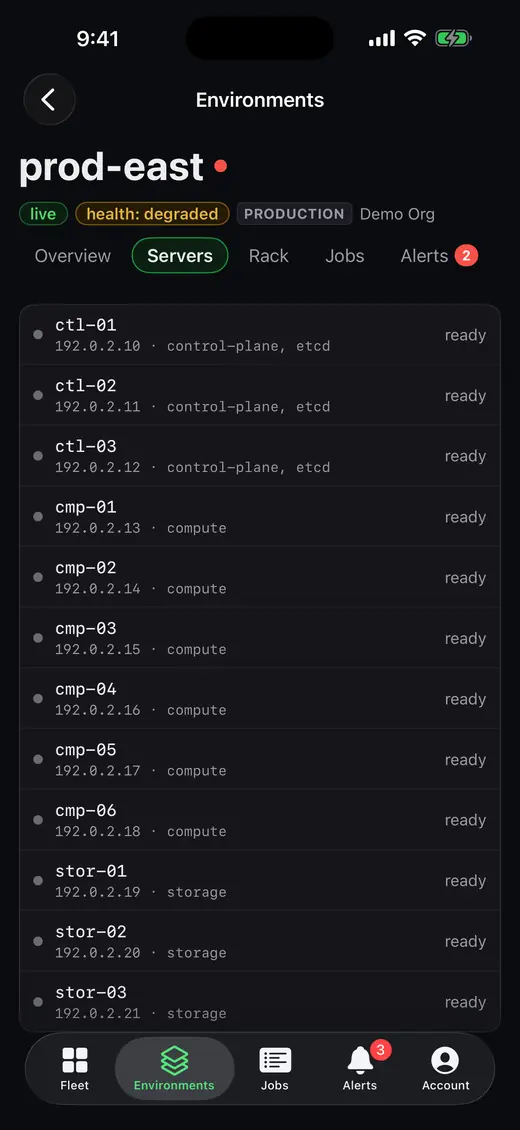
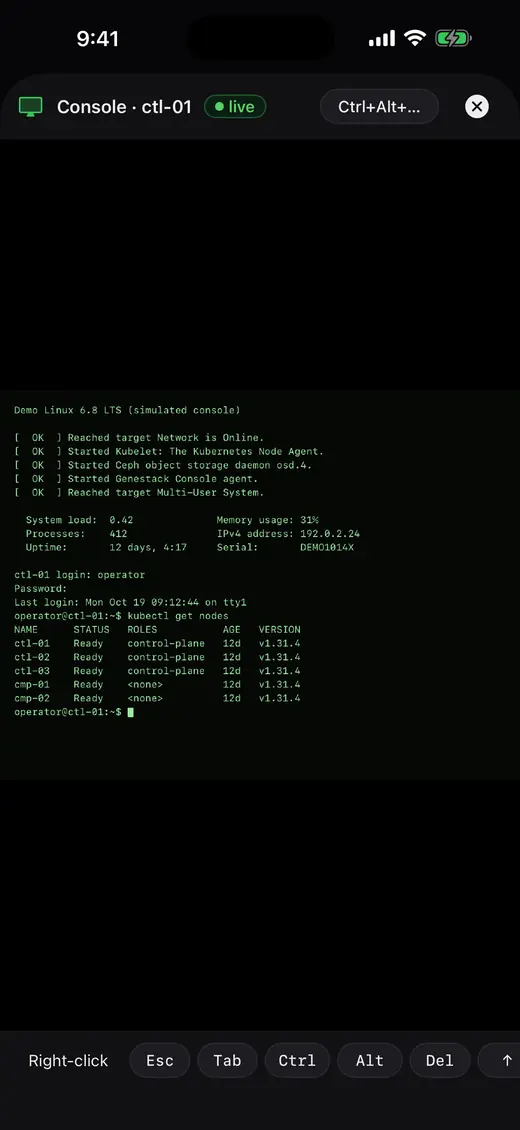
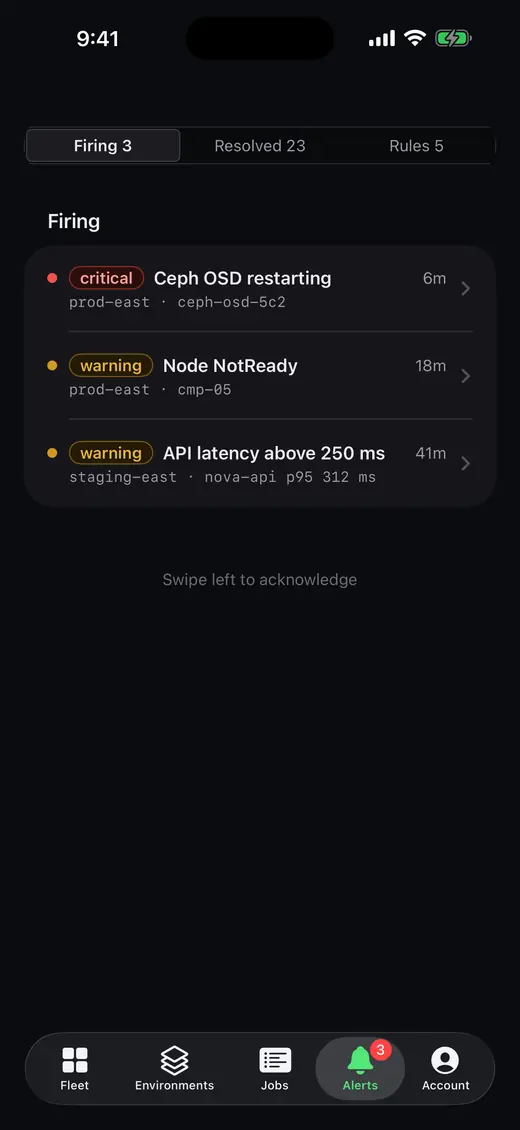
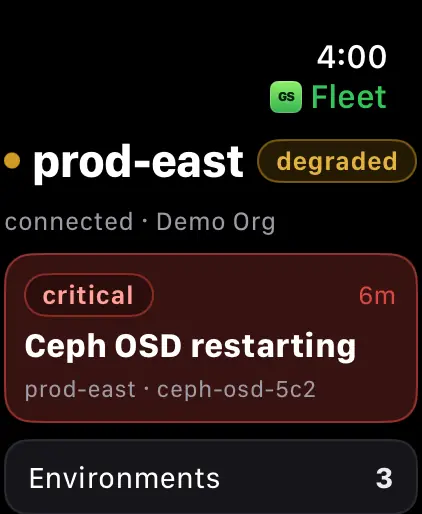
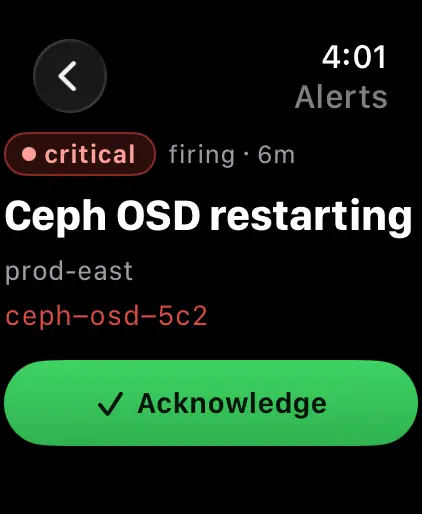
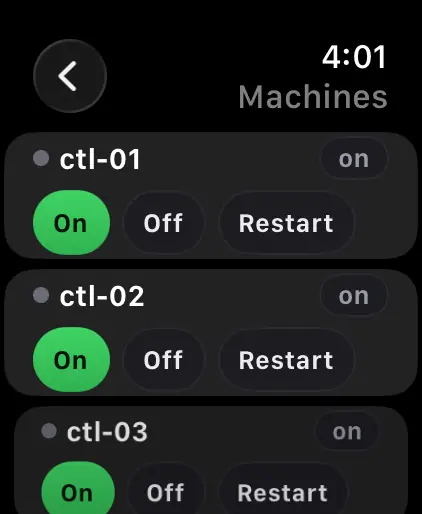
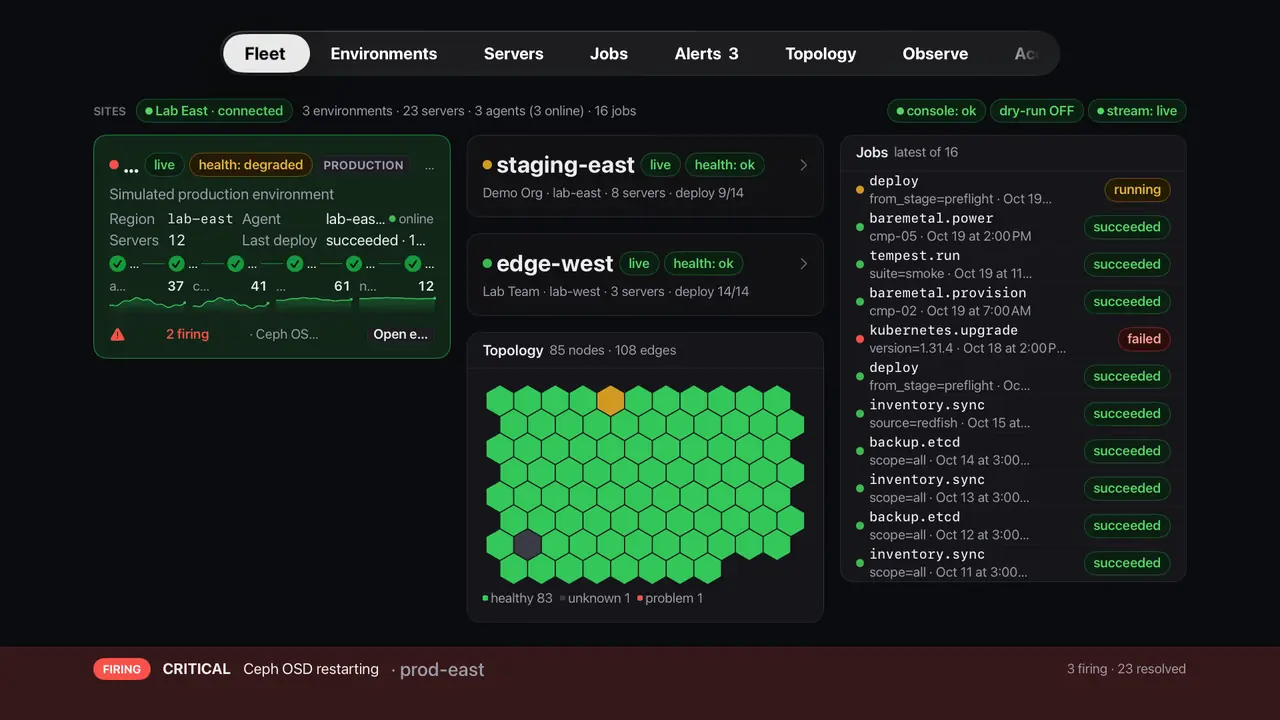
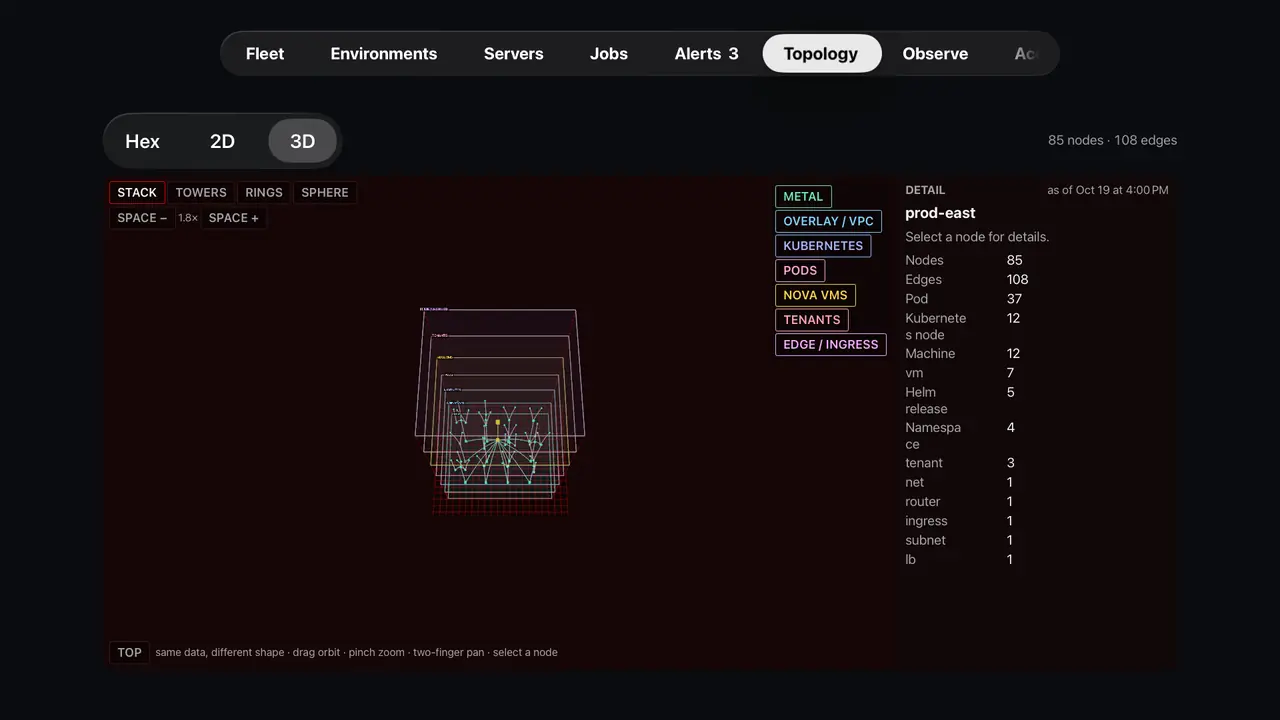
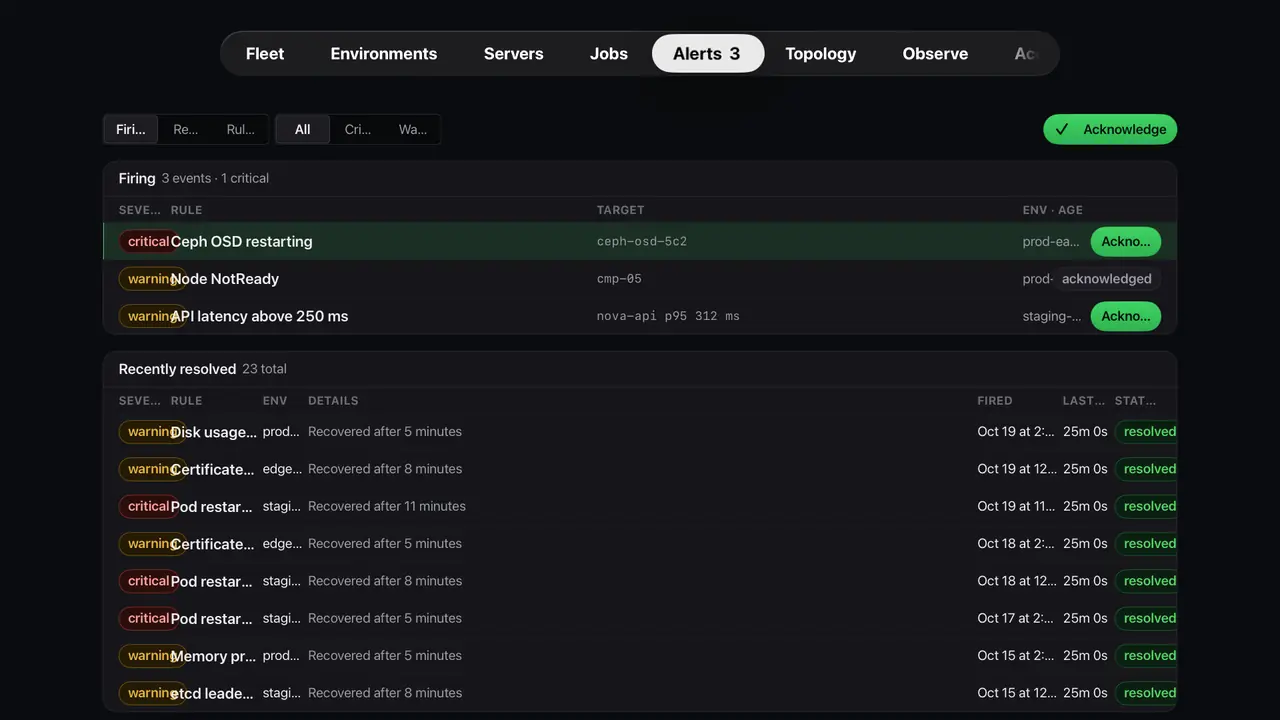
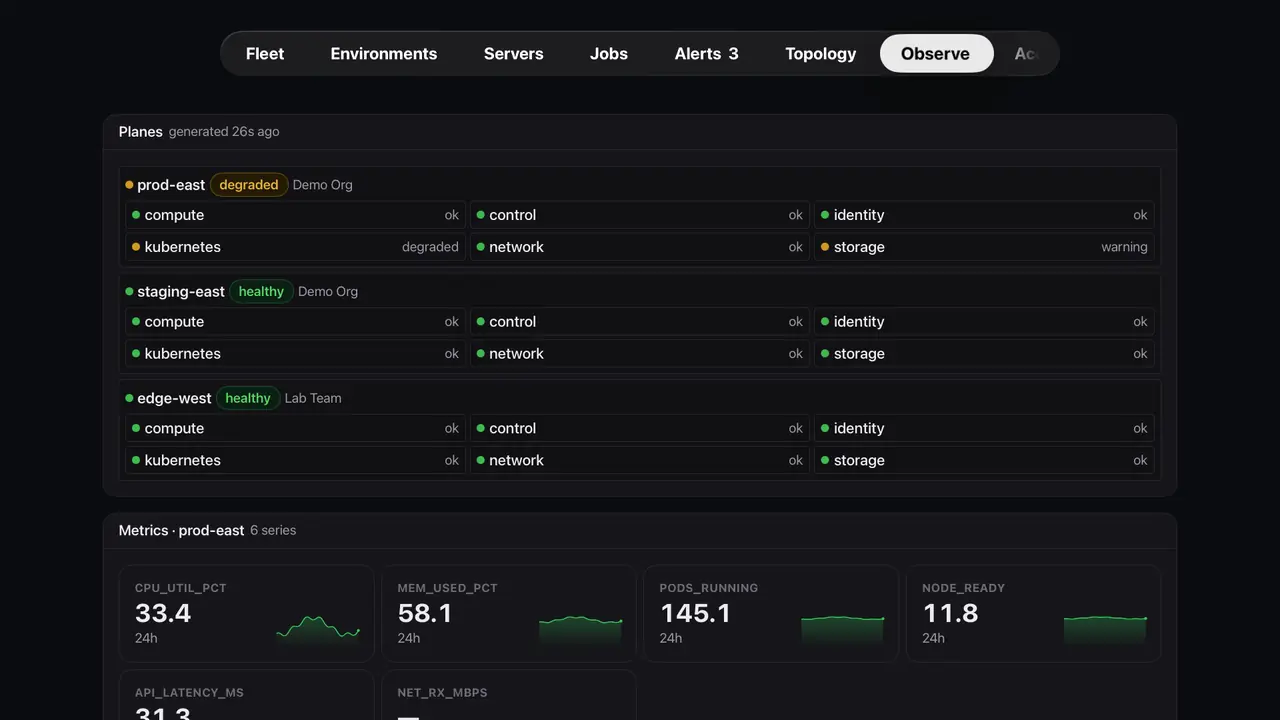
The Apple apps are the premium side of Genestack Console. Mac, iPad, iPhone, Apple Watch and Apple TV sign in at the account and show the deployers you have linked: fleet, topology, racks, console, alerts and jobs. Free today for anyone who connects. A monthly support plan comes later; everyone keeps the platform, and the fee pays for support.
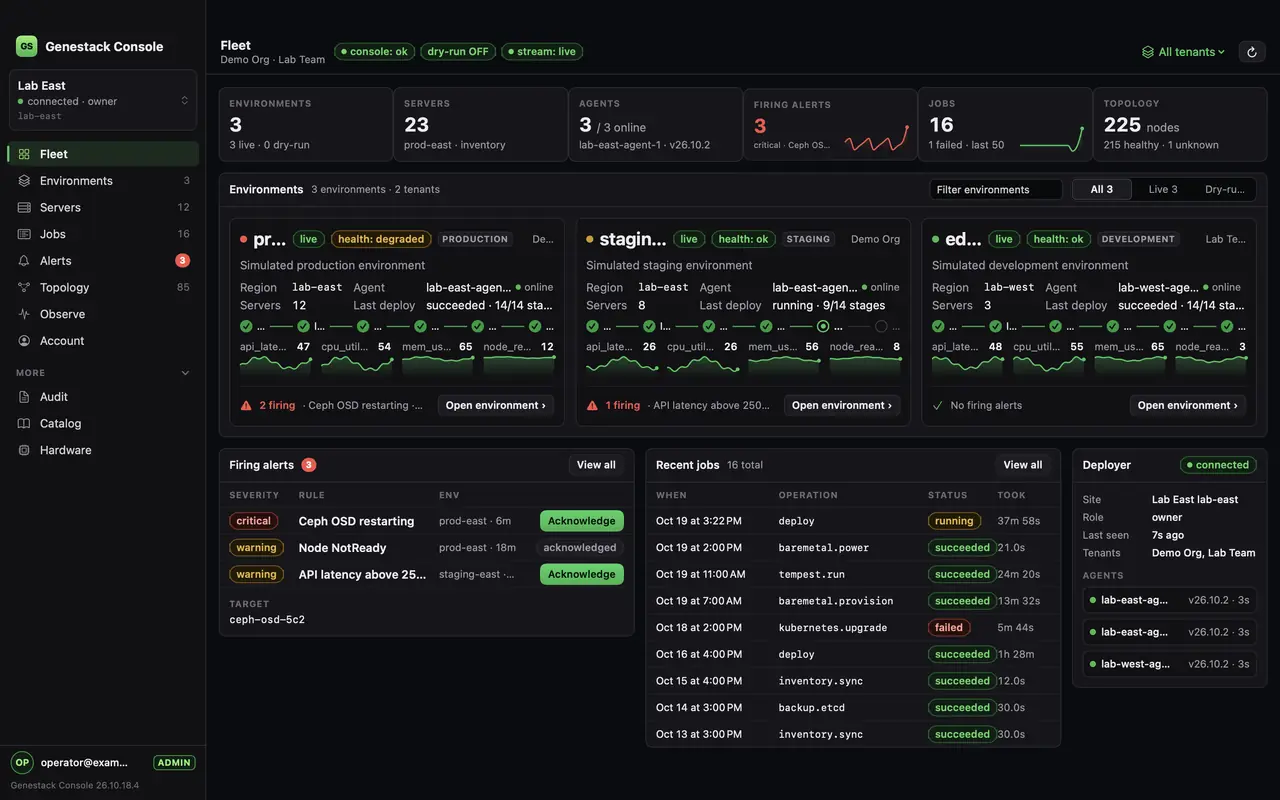
Simulated demo fleet. See what the apps do.
Support plans
Genestack Console is free for everyone who connects, and it stays that way. Monthly support plans are coming: the platform is the same for everyone, and a plan pays for support of it, people who answer when your deployer needs a hand. It is not a limit on how many clouds the hardware can hold.
Free today
Free for everyone who connects. The account, the deployer link and the Apple apps. You run the cloud, and community support is included.
Connect a deployerSupport plan · coming soon
We watch the linked deployer and tell you when something is down. You still run the hardware and the applications.
Talk to usSupport plan · coming soon
We support the platform with you. If a host goes down, we get it back up and coordinate that, around the clock. You keep the machines and the local logins.
Talk to usSupport plan · coming soon
Operate, plus support up into the applications on the stack when you grant that access. Same deployer, every cloud.
Talk to usSupport plans have no prices yet. Ask on the contact page and we will let you know when they open. The webpage on that dedicated server is still how you run it. The account page.
Source
Genestack Console is open source. The repository is PIndustries/genestack-console, Apache-2.0. A tagged release is the build a production deploy host runs. That workflow makes the Linux binary, and the install command downloads it. Clone the repository when you are changing the console and testing that change. Commits on main after a tag are in the source. They ship in the next release.
Loading the repository…